 Version
0.39.3
Version
0.39.3
 Package Name
za.co.wilite.chcontrol
Package Name
za.co.wilite.chcontrol
 Category
Practical Tools
Category
Practical Tools
 Size
4.46MB
Size
4.46MB
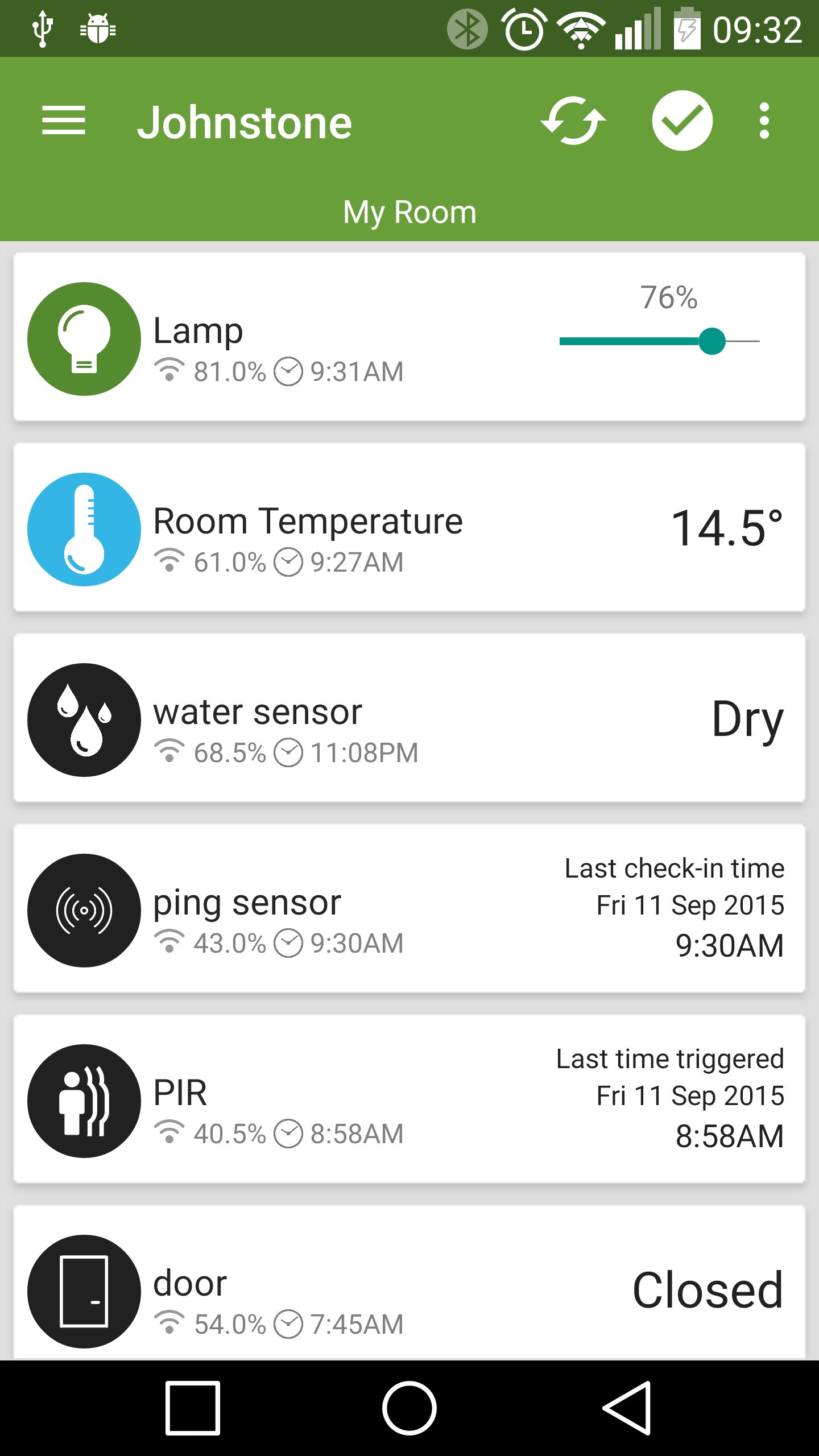
Use this, in conjunction with your Qwik-Switch products, to control your life!
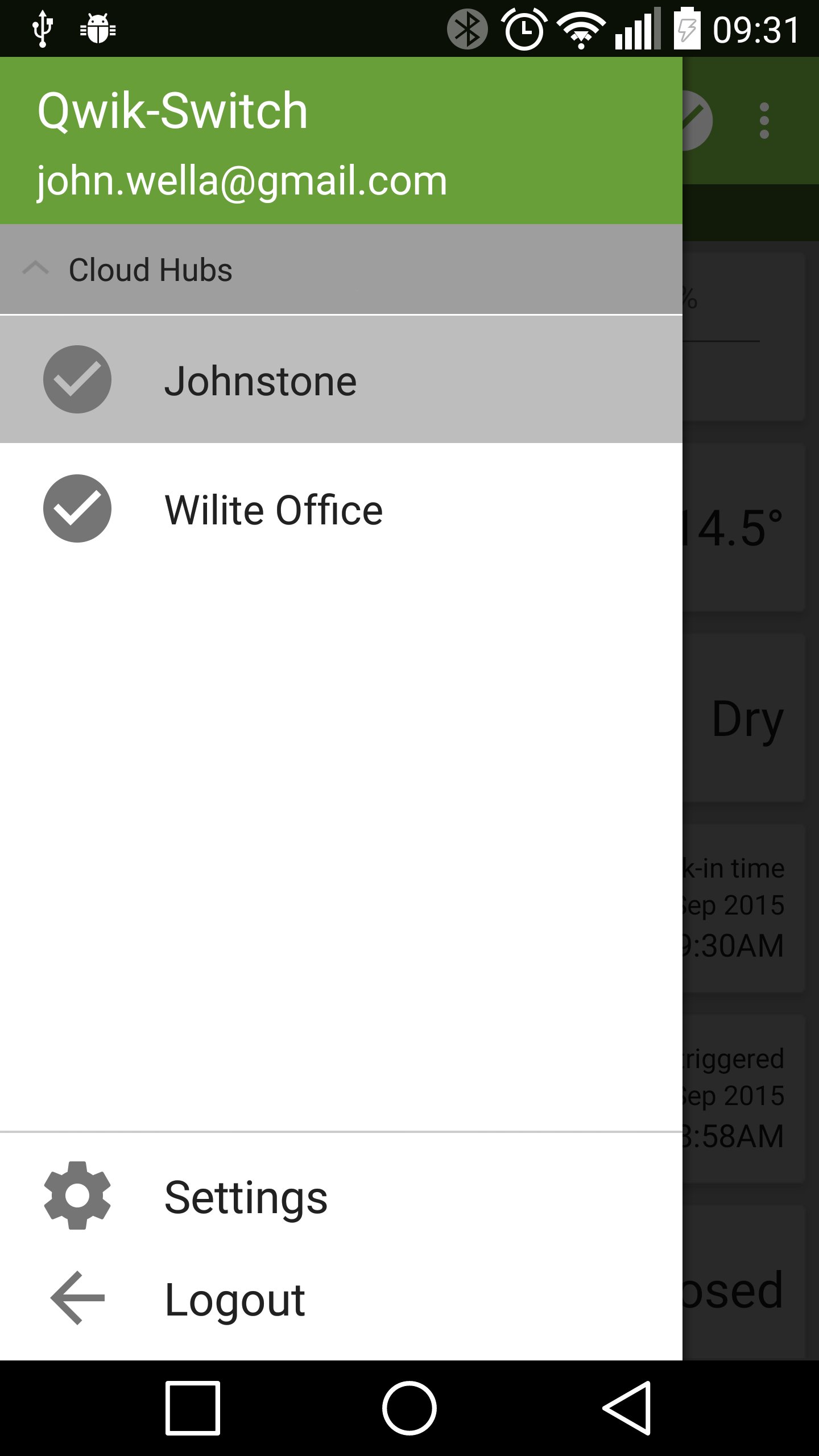
QS Cloud Hub Control give you the ability to easily access your Qwik-Switch Cloud Hub modem from your Android device.
*IMPORTANT* This app is considered to be in Beta phase, and there are bugs. Please feel free to send bug reports, as this will help speed up development.
Requirements:
• Qwik-Switch Cloud Hub Modem with a SIM inserted and a connection to the Internet.
• Smartphone/tablet connected to the Internet to receive data and control the Hub.
Features:
• Intro tour to guide you through some functionality
• Register a new account from app (still requires you to click the email verification link)
• View status and groups of Cloud Hub
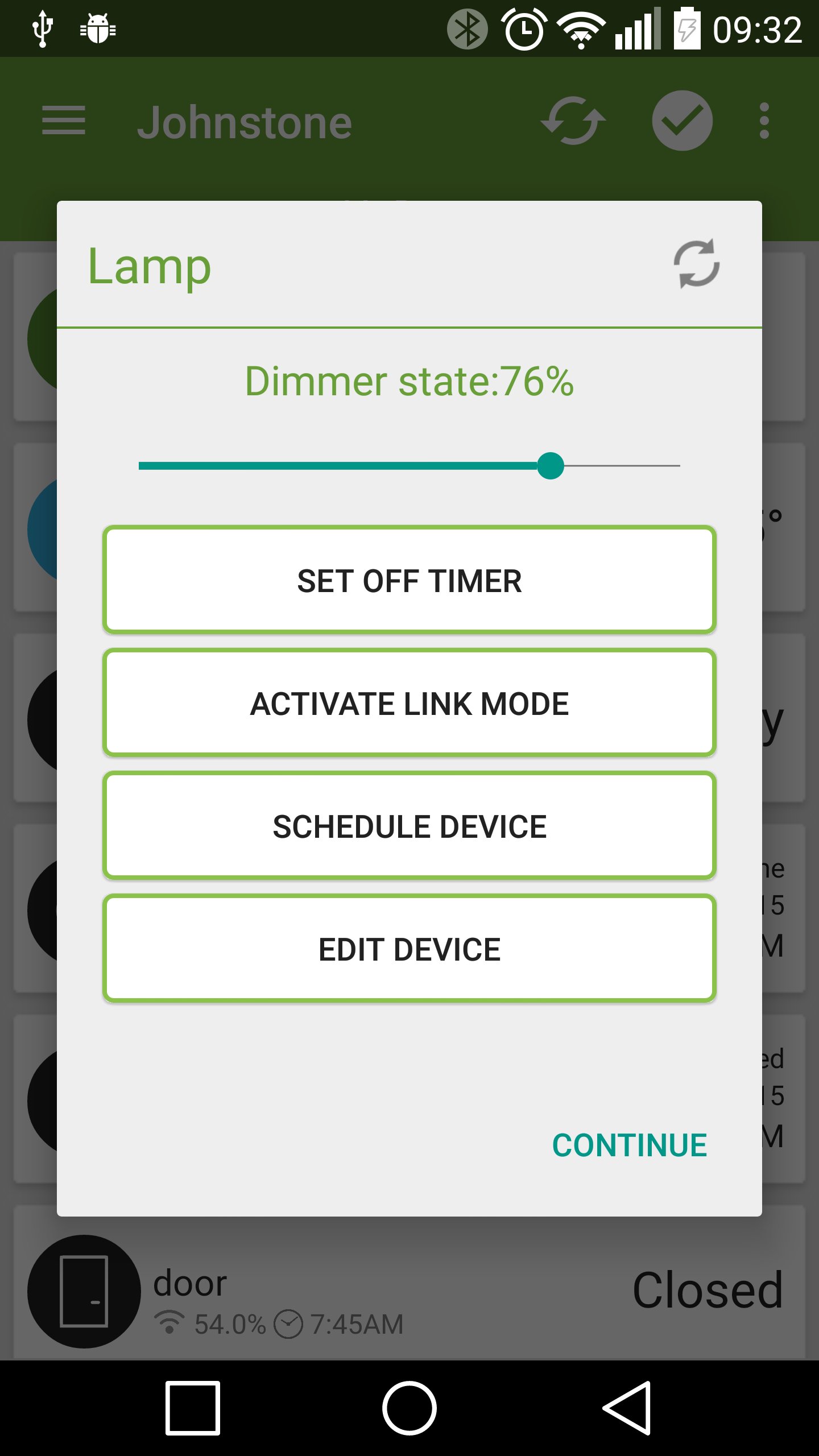
• Control and view status of your Qwik-Switch Devices
• adding/editing/removing a device
• Setting Schedules for some devices
• Notifications for sensor type devices (Door / water / PIR / Ping / Light / Temp)
Supported Devices
• RX1 Dim/Relay
• RX30A Relay
• Plug Module
• Blind Controller
• SwitchArt
Supported Sensors
• Temperature + Temp/Humidity
• Door
• PIR
• Ping
• Light
• Water
Planned features:
• scenes
Please use the built-in Android crash reporter to report any crash you may encounter. It may seem like it goes nowhere but it does not, it really helps :)
Please visit our support forum should you experience any issues: http://www.qwikswitch.co.za/forum.php
05 Oct 2015
• fixed crashes occurring when opening the app after idle
• fixed door sensor issues
18 Sept 2015
• Fixed long press menu for plug module
• Fixed rendering on lower resolution devices, like Galaxy S3 Mini
16 Sept 2015
• Added support for LED RF Dimmer
15 Sept 2015
• Added different colours to notifications
• Bugs fixed






 Download APK(4.46MB)